AI links open with a title + excerpt (these tools can't fetch the page themselves) — use "Copy full article" to paste the complete text for a fuller summary.
Introduction: Recently I am facing the issues in visual studio 2015, when I try to install “bower” using node package manager.
“The term 'npm' is not recognized as the name of a cmdlet, function, script file, or operable program. Check the spelling of the name, or if a path was included, verify that the path is correct and try again”
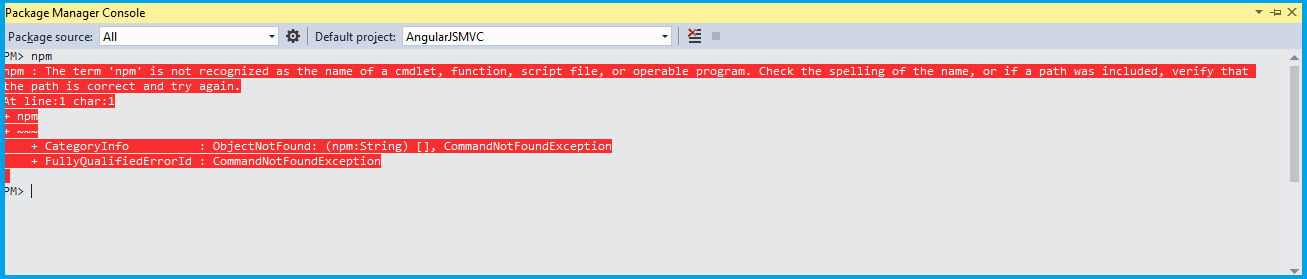 This issues couldn’t be install anything from package Manager console, So that I have browse lots of things to fixing this issues and finally I got the solution so just my knowledge Perhaps: May be we did follow the scenarios
- Missing Node js Software
- Wrongly updated windows environment path
- Installed in wrong path
- Old version Node JS software
Downloads: You can download the latest node js software from here Installation: Once download latest version of node-v6.9.4.msi file from browser. 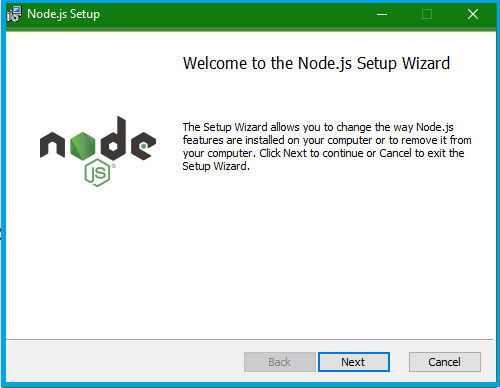 Click to installation file, setup wizard will install the path “C:\Program Files (x86)” or “C:\Program Files “ and click next appear Custom Setup screen Enable all the features.
 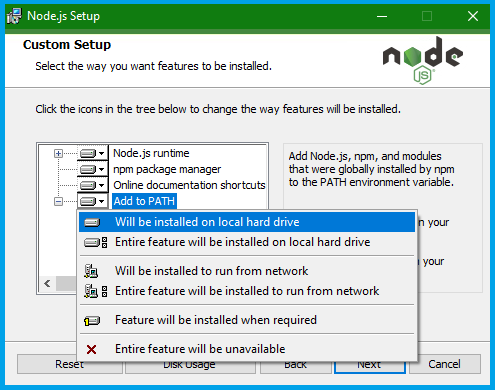 Click Next Setup almost competed and click finished button. Update Path: After installation automatically create nodejs folder in this path “C:\Program Files (x86)” or “C:\Program Files “. An open Control Panel -> User Accounts -> Change my environmental variable and Verify the path Variable value “C:\Program Files (x86)\nodejs” or “C:\Program Files \nodejs “.
 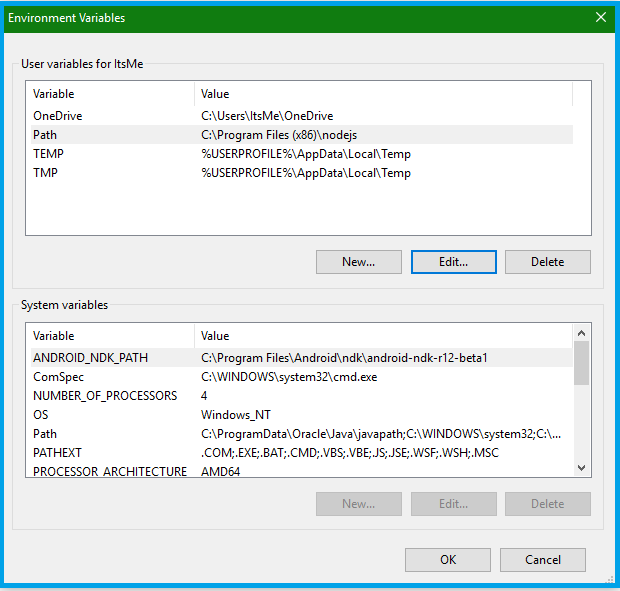 If path is wrong you can edit to change the windows directive. Summary: Once close and open the visual studio go to tools->NuGet package Manager -> package manager console.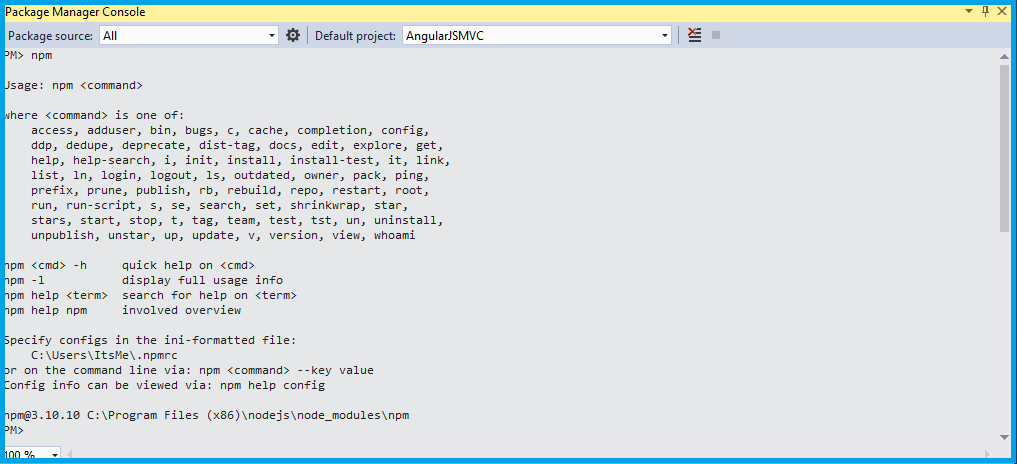
Comments
Be the first to comment.