Azure Web App Deployment Using Visual Studio
AI links open with a title + excerpt (these tools can't fetch the page themselves) — use "Copy full article" to paste the complete text for a fuller summary.
In this blog, We can see how do deploy the ASP.NET MVC Application using Directly from Visual Studio using Azure Account
We can deploy our project with multiple way.
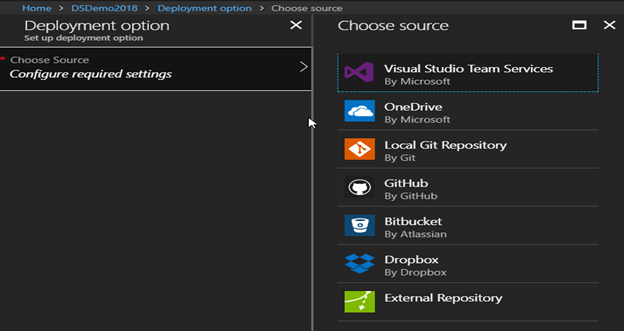
But I will be show using Visual Studio & Publish to my Web App.
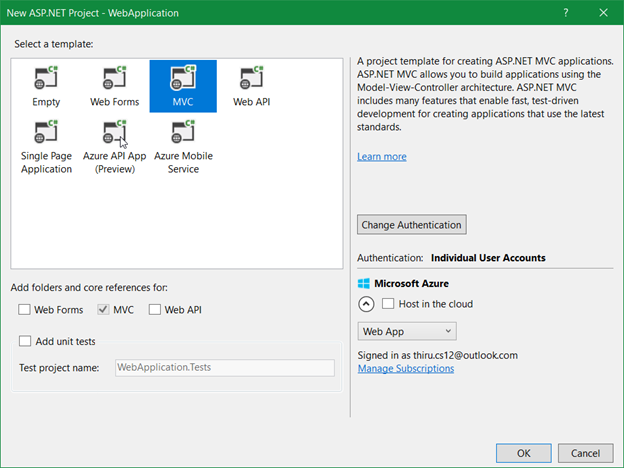
I have created simple ASP.Net MVC project & Already login my Azure account in Visual studio.
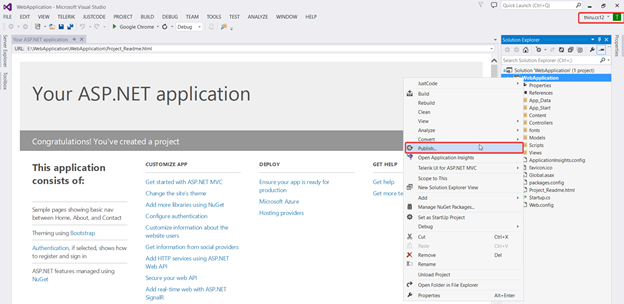
Right Click on project & Click “Publish”. You can see all publish option.
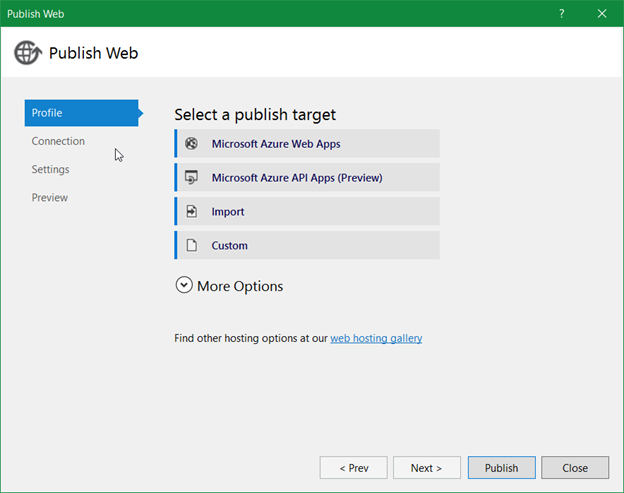
I have selected the 1st target from Microsoft Azure Web Apps. It will open your Account & list the available Web App in Dropdown.
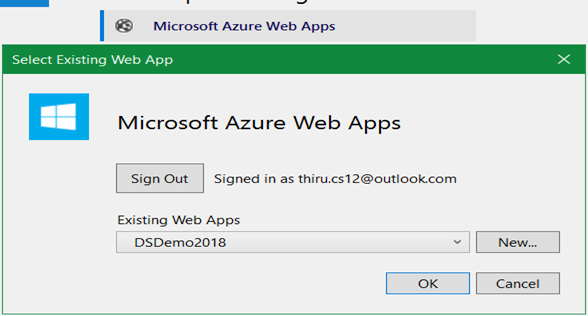
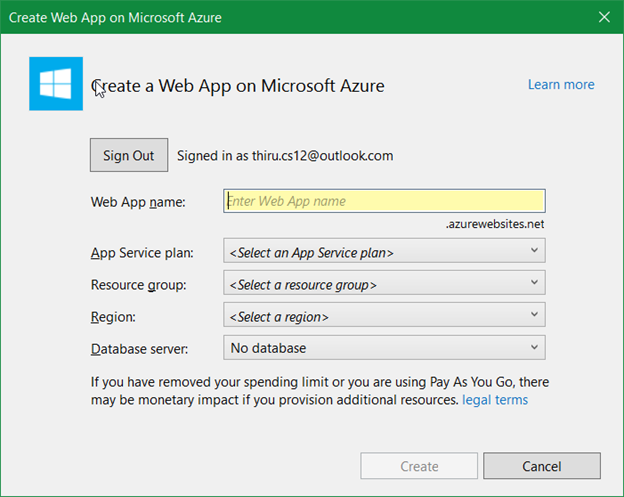
If you want to create a new, then click New Button.
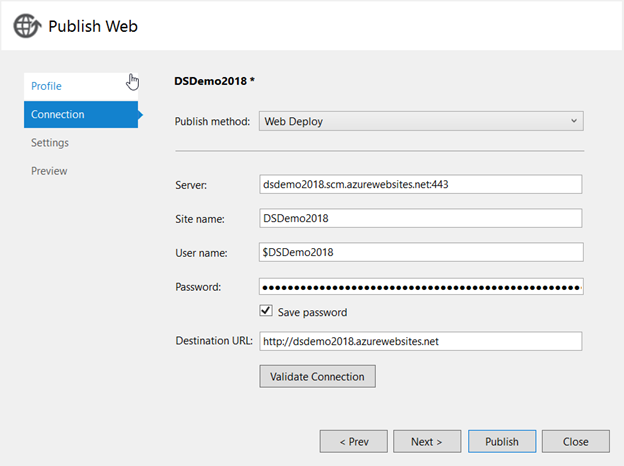
I have selected my exiting Web App & going to publish my Application
After clicked publish button, you see the status in output window
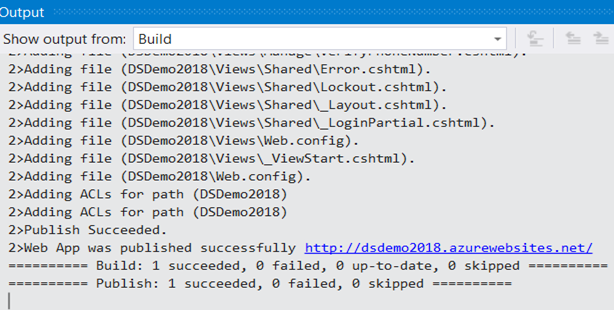
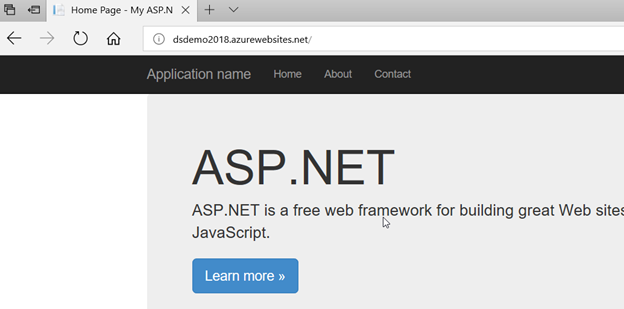
Now our project has been deployed successfully in Azure Web App
Comments
Be the first to comment.